GTA VI phone messages and on-screen text in your language: optimized for GTA 6
GlossaSub is specially optimized for GTA VI. Phone messages appear in a panel on the empty side; button prompts, missions and menus are translated in place.
Published: · 3 min read
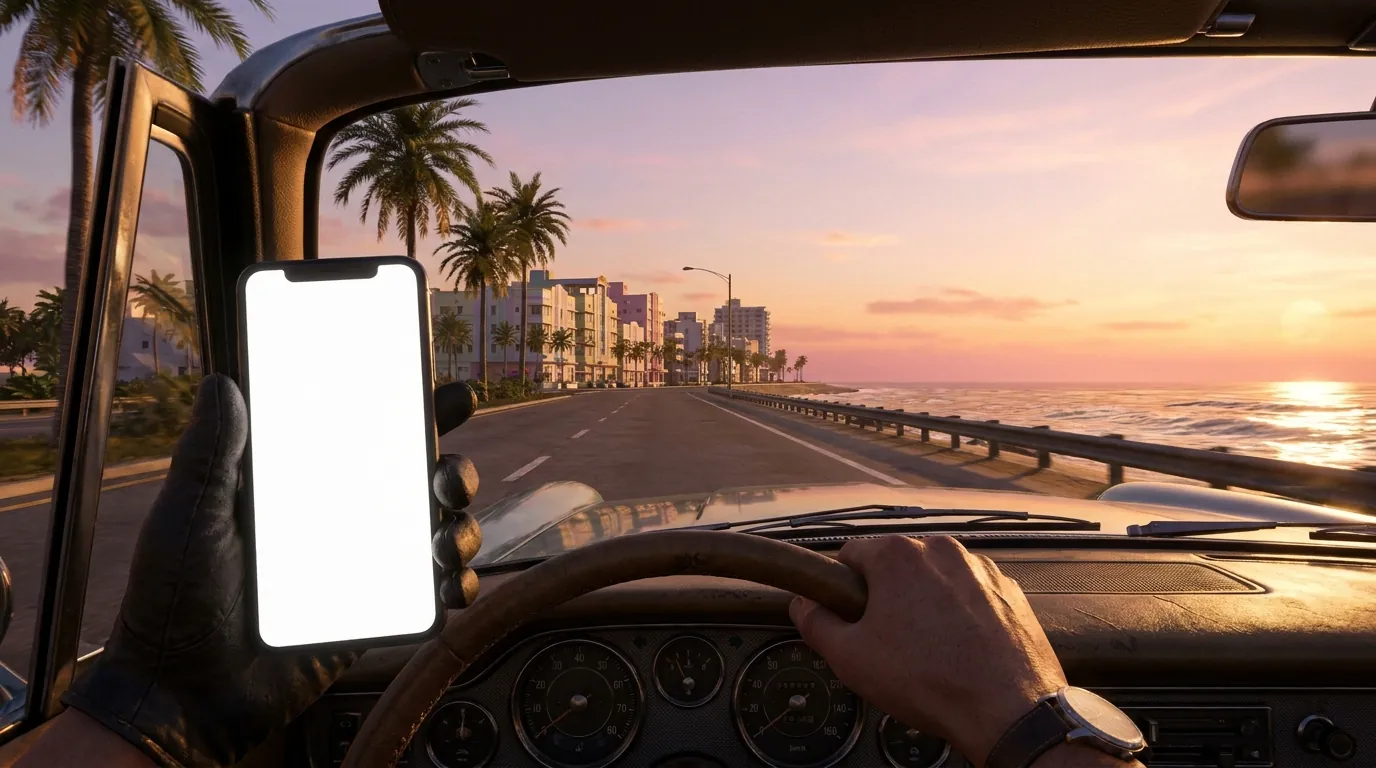
In GTA VI the story isn't told only in cutscenes. Messages keep arriving on the character's phone, and button prompts, mission objectives, help boxes and notifications pop up on screen. Most of them are short but important for understanding the game. GlossaSub's on-screen text translation has been specially optimized for GTA VI: it shows phone messages, menus and prompts in your language without getting in the way of the game. This feature is now available in Android 1.0.5 and iOS 1.0.4.
Phone messages: in a panel on the empty side
In GTA VI the in-game phone can be on the left, in the middle or on the right of the screen, and it's tilted and moving. Writing the translation on top of the phone would be unreadable. That's why GlossaSub reads the messages and shows their translation on the empty side of the screen, in a phone-style panel it draws itself.
- The panel always sits on the empty side; it never covers the game's phone or the action.
- The group chat title, incoming and outgoing messages, choices and location links each appear separately in the panel.
- Names of people and places aren't translated, so you instantly see who wrote and where you need to go.
Button prompts, missions, help and notifications: right where they are in the game
Every piece of on-screen text other than the phone is translated directly over the original text in the game and covers it completely; the English isn't visible.
- Button prompts: The translation replaces the text, and the button icon (R, ✕, ○, △) is never covered. If the translation is long, it extends away from the icon.
- Help boxes: The hint box in the top left is in your language.
- Notifications: Short notifications like "Vehicle repaired" are translated where they appear.
- Mission objectives and GPS: Directions such as "Go to the marina" or "Turn left" appear in your language at the bottom of the screen and next to the map.
- Settings menu: Menu rows are translated, and the translation disappears when the menu closes.
You can see examples of this in the GTA VI scenes on the home page.
Subtitles are translated separately
Dialogue subtitles are translated separately as always; they don't mix with on-screen text, and the font and size aren't disturbed. In dialogue choices, the subtitle is translated in the middle and the options in the bottom right; character names stay as they are. For the general way to play GTA VI in your language, see the [GTA VI guide](gta-6-subtitles-in-your-language).
How to turn it on
- Update GlossaSub (Android 1.0.5, iOS 1.0.4 or later).
- On the subtitle screen, tap the Translate On-Screen Text button.
- Play the game: phone messages are translated in the panel, all other text in place.
On-screen text translation also works in games other than GTA VI; for GTA VI, the phone panel and prompt placement have been optimized on top of that. For general use, see the [on-screen text article](translate-on-screen-game-text-phone-second-screen).
GTA VI is a trademark of Rockstar Games; GlossaSub is not affiliated with Rockstar Games. The images on this page are representative scenes created by GlossaSub.