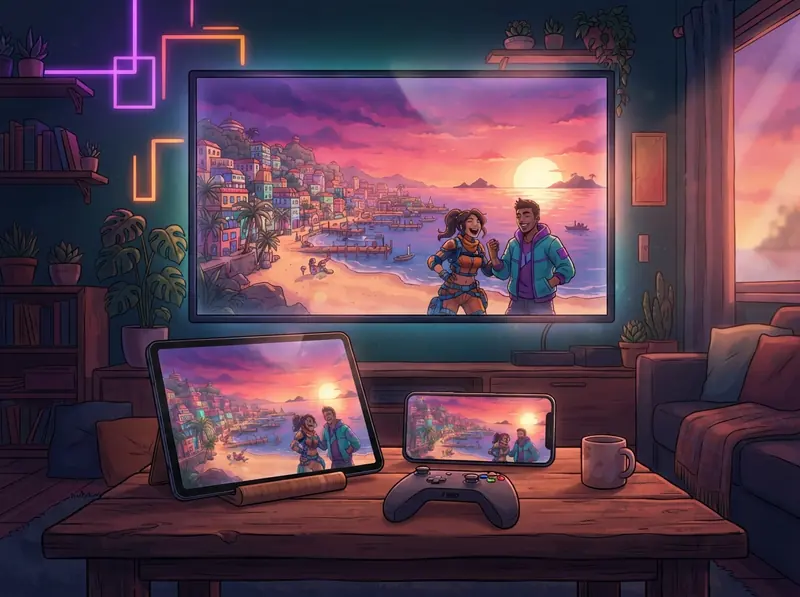
How to play GTA VI in your language: GTA 6 with translated subtitles and dubbing
Play GTA VI (GTA 6) on PS5, PS5 Pro or Xbox Series X|S with subtitles in your language. No mod: GlossaSub shows the translation over the game on your TV.
Published: · 4 min read
GTA VI is out and everyone is asking the same thing: can I play GTA 6 in my own language? The short answer: yes. GlossaSub translates GTA VI's English subtitles with AI into your language within seconds (there are 12 translation languages) and shows the translation right over the game on your TV, or on your phone or tablet. No mod, no patch and no touching the game files. In this guide we walk you step by step through the easiest way to play GTA VI with subtitles in your language.
How to play GTA VI in your language
The GTA series is known for long, fast-paced dialogue: mission phone calls, radio chatter, cutscenes and plenty of character slang. If the game doesn't offer subtitles in your language, you can miss a big part of the story. GlossaSub closes that gap:
- You turn on English subtitles in the game.
- GlossaSub reads the subtitles and translates them into your language with AI that knows the game and its characters.
- The translation appears on your TV, right over the English subtitle, or on your phone.
- If you like, you can listen to the translation out loud with dubbing in your language.
Which platforms does it work on?
How you connect depends on the console you play GTA VI on:
- PS5 and PS5 Pro: through Sony's official Remote Play connection. You need a free second PSN account; you keep playing with your own account. Details in our PS5 guide.
- Xbox Series X|S: through Microsoft's remote play connection, with your own Microsoft account. Details in our Xbox guide.
- With the camera: if you'd rather not set up a console connection, you can also translate by pointing your phone at the screen.
Ready-made GTA VI pack: no waiting, no quota
There is also a ready-made game pack for GTA VI. Right now it is available in Turkish, and packs for the other languages are on the way; until then, AI translation into your language works right away. Because the lines in a pack are translated in advance, a pack is:
Faster
The translation is ready the moment a line appears on screen, so you never fall behind, even during rapid-fire phone calls.
Free of AI quota
Lines from the pack don't count against your allowance, so you can play a long game like GTA VI for much longer.
Lag-free
The pack is stored on your device, so the translation doesn't lag even if your internet slows down. New lines that aren't in the pack are still translated with AI.
You'll find all packs on the game packs page.
Step-by-step setup
- Download GlossaSub from Google Play (the iOS version is coming soon).
- Choose your console: PlayStation (PS5 / PS5 Pro) or Xbox.
- Link the console, or sign in with your Microsoft account.
- In GTA VI, turn on English subtitles under Settings.
- Download the GTA VI pack if it's available in your language, and choose where the translation should appear: phone, TV or both.
To see the steps for your own devices, use the setup wizard.
Translated subtitles over the game on your TV
On Samsung, LG and Google TV sets, the translation appears right over the game, in place of the English subtitle. You can adjust its size, color and position. If your TV isn't supported, you can use your phone or tablet as a second screen. Details in our TV guide.
Frequently asked questions
Do I need a translation mod or patch for GTA 6?
No. GlossaSub isn't a mod or a patch; it doesn't touch the game files and installs nothing on the console. That's why it keeps working even after the game is updated.
How good is the translation?
The AI translates with knowledge of the game and its characters, so character names, place names and the game's tone are preserved. In a ready-made pack, the lines have been carefully translated in advance.
Is it free?
Getting started is free: there's a one-time intro allowance for AI translation, and lines from a pack don't count against it. Details in our subscription article.
Conclusion
You don't need to hunt for a mod to play GTA VI in your language: download GlossaSub, connect your console, turn on English subtitles and don't miss a single word of the story in GTA 6. GTA VI and Grand Theft Auto are trademarks of Rockstar Games; GlossaSub is not affiliated with the game's developer or publisher.