What's new in GlossaSub? November 2026 updates
Automatic reconnect, Samsung and Google TV setup, full screen and dimming, automatic pack downloads, a new setup wizard and 7 new languages.
Published: · 4 min read

GlossaSub gets better every week. In this article we've gathered all the new features from November 2026 in one place. The What's New page inside the app also shows the features and fixes that come with each update.
New in version 1.0.5 (Android) and 1.0.4 (iOS)
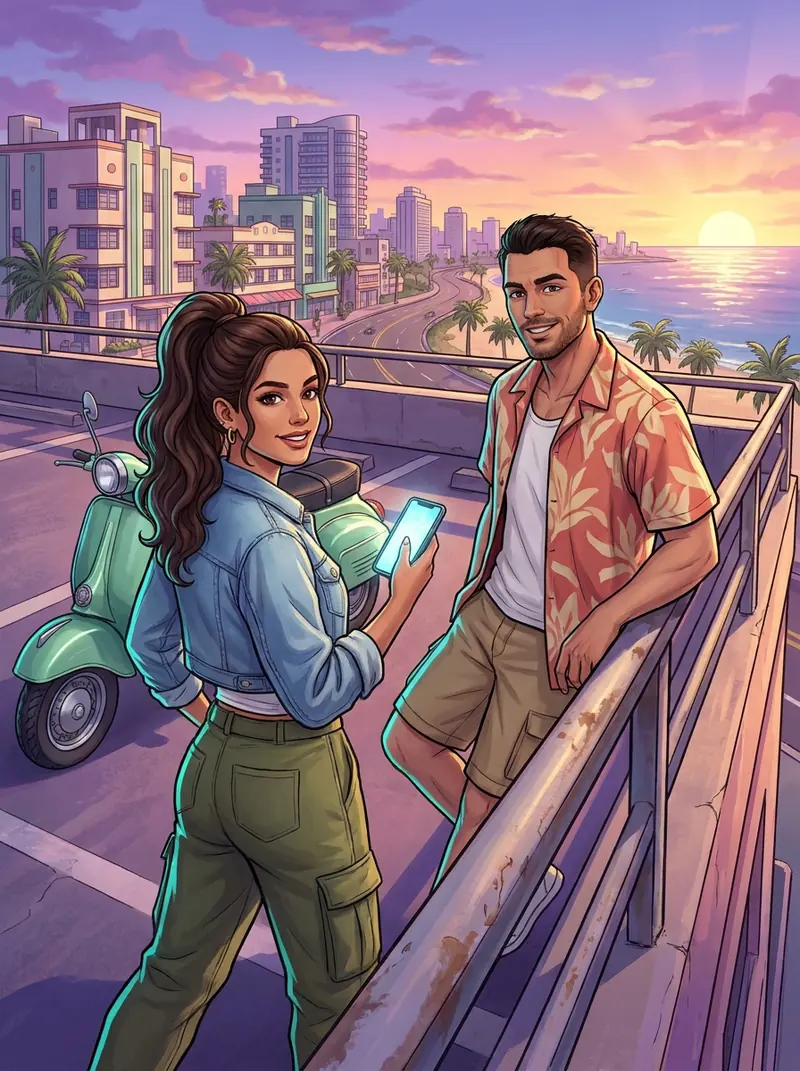
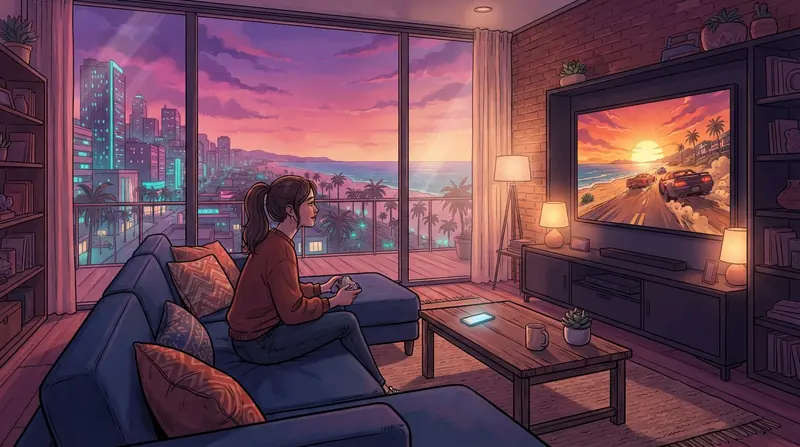
- GTA VI-specific on-screen translation: Button prompts, help boxes, notifications and menus are translated right over the game text, and button icons stay visible; phone messages appear in a phone-style panel on the empty side. Details in the [GTA VI on-screen text article](gta-6-phone-messages-on-screen-text-translation).
- More accurate subtitles: Mission lines and signs don't mix into the dialogue, and a line that takes long to translate is no longer missed.
- Dim screen: The phone screen turns black while translation keeps running, saving battery during long sessions.
- Color by speaker: Each character's name always appears in the same color; turn it on in Settings, separately for the phone and the TV.
- Lighter language packs: Packs use much less memory, lines read only partly are still found in the pack, and downloads and updates are safer.
- Subtitles-off warning: If subtitles are turned off in the game, the app warns you.
- Your subscription on your other devices: On Android your subscription also works on your other devices with the same Google account.
- LG TV, two ways: Open GlossaSub quickly in the browser, or install the LG app (no screen saver); both are explained step by step.
- Safer TV connection; crashes and many bugs fixed.
A more stable connection
- Automatic reconnect if the connection drops: If the PS5 connection drops, a warning card appears in the bottom right of the screen and the app reconnects on its own.
- Adaptive quality on weak Wi-Fi: If the network gets weak, picture quality drops temporarily; the default quality is now 540p, and less powerful devices also start at 540p.
- Clear warnings: If your PSN account or PS5 isn't connected, the home screen shows a warning and a "Connect" button.
- The green picture problem seen on some devices has been fixed.
Subtitles on the TV are now easier
- Samsung TV: GlossaSub TV can now be installed on a Samsung TV from your phone; developer mode instructions, installation, testing and updates in a single flow.
- Google TV / Android TV: GlossaSub TV can be installed in three ways: from Google Play, from your phone, or with the Downloader app on the TV via glossasub.com/tv.apk. Details in the [TV article](show-translated-subtitles-on-tv-samsung-lg-google-tv).
- Full screen and dimming bar: The subtitle screen has a big Start/Stop button, text size and dimming sliders; full screen is entered only with the Full screen button.
Translation and packs
- Game packs download automatically: When a game is recognized, its ready-made pack downloads and updates; if more than one game matches, you're asked. The list is on the game packs page.
- Better on-screen text: Text doesn't flicker, the translation disappears when a menu closes, text size fits the box, ALL CAPS is preserved; on-screen text is now translated with the translation service you chose.
- Your remaining allowance is always visible: Your remaining AI translation allowance is shown on the home screen.
- Gemini translation: In the Pro plan you can choose Gemini as well as Claude.
- Your own DeepL key: DeepL has been added to the bring-your-own-key option.
- Game requests: You can vote for games on the "Coming soon" list and request new games.
Dubbing
- ElevenLabs voices are in the Pro plan; in other plans dubbing uses Gemini or the device voice.
- If the dubbing service can't be reached, lines are read with the device voice so the story isn't interrupted. Details in the [dubbing article](listen-to-game-dialogue-ai-voice-dubbing).
New on the website
- Setup wizard: The help page has a wizard with icons, just like in the app. Choose how you want to translate, where you play, your TV and your phone; you only get the steps your setup needs.
- 20 languages: The site is now in 20 languages, including Slovak, Bulgarian, Serbian, Croatian, Slovenian, Hebrew and Malay. These seven languages are coming to the app very soon too.
Coming soon
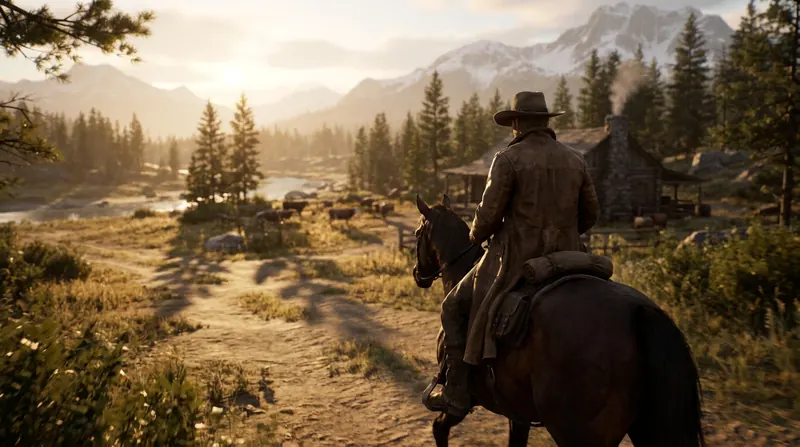
- More game packs: Packs for popular games are being prepared in more languages; the Turkish pack for RDR2 is ready ([RDR2 article](red-dead-redemption-2-subtitles-in-your-language-rdr2)).
If you run into a problem or want a feature, write to us.
Get it onGoogle Play
App StoreComing soon